
A distinct visual direction
A tool-focused interface with previews and readable controls. Processing choices stay close to the visible result.
Image editing & processing
Published on Google Play · TheCatsizerLab
Resize, compress and convert images, create a PDF or arrange a collage from an Android interface.
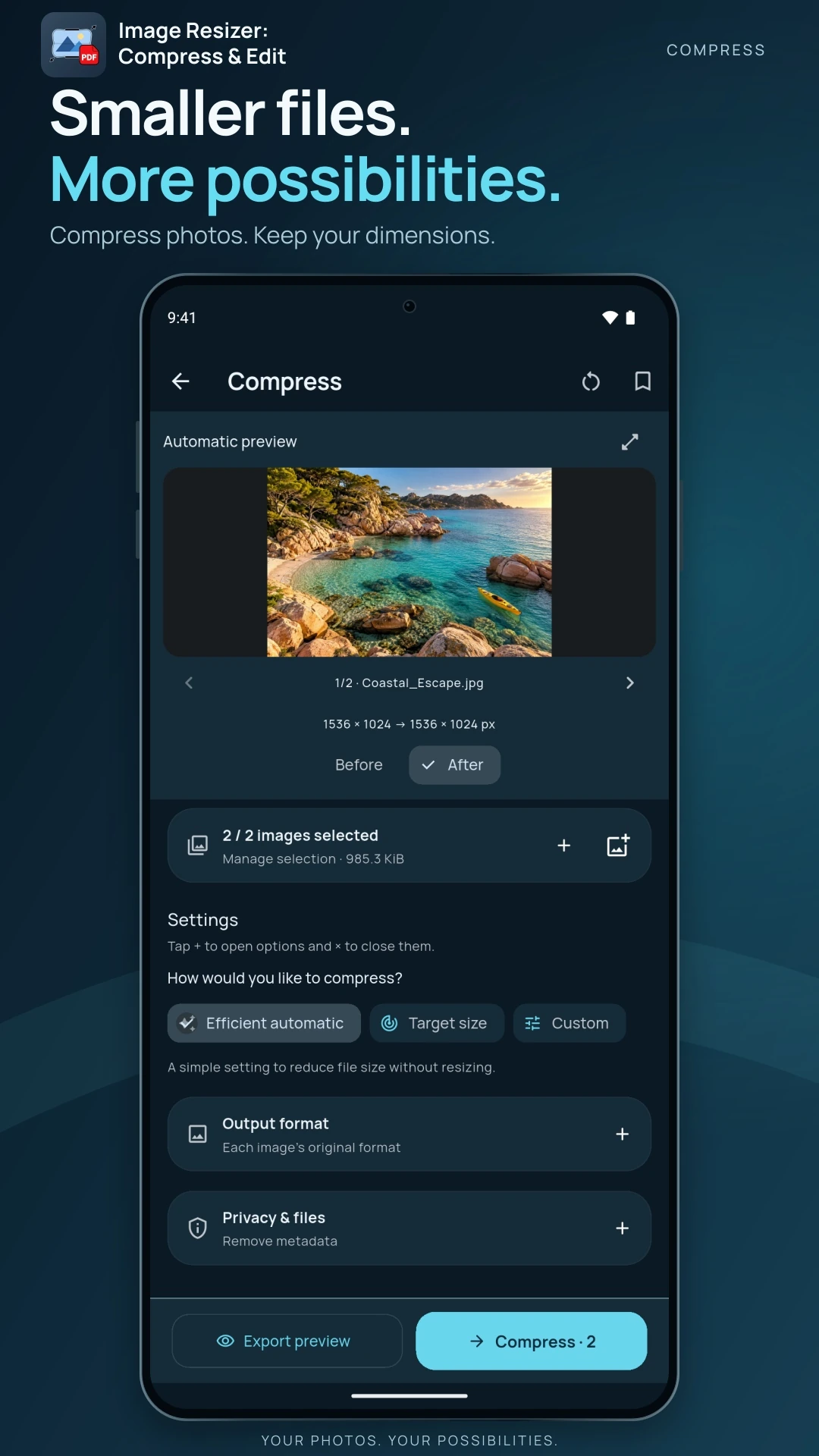
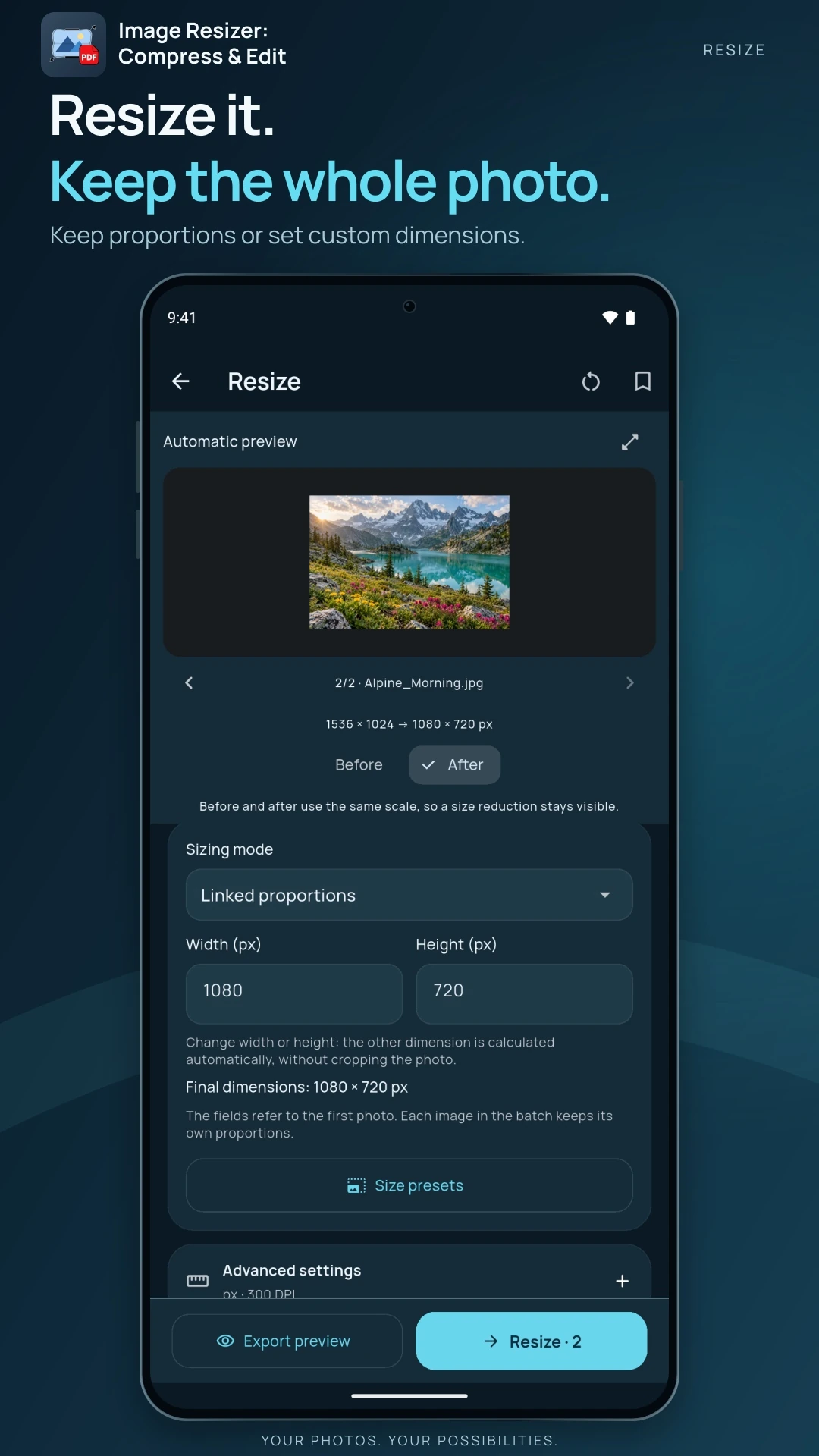
Image editing & processing
Prepare images for real use: file size, dimensions, format and sharing, from a phone.
A tool-focused interface with previews and readable controls. Processing choices stay close to the visible result.
Compression, resizing, conversion, PDF creation and image composition. The workflow runs from selecting an image to exporting it.
Image processing and export designed around mobile-device constraints. Available settings let users choose a balance between file size and quality.
The interface in context
Screenshots captured from the project interfaces. Open a view to explore it at full size.
Skills relevant to creative tools, product catalogues and preparing documents or media for sharing.